前回はInner Class(内部クラス)の仕組みと活用方法を学びました。
今回は「String.format」と「printf」について解説します。 これまで文字列の連結に + をよく使ってきましたが、String.format と printf を使うことで、数値の桁揃えや小数点の制御など、より細かい書式指定が簡単にできるようになります。
String.formatとprintfの基本
String.format() は書式指定した文字列を返すメソッドで、System.out.printf() は書式指定した内容を直接出力するメソッドです。
// String.format: 文字列として返す
String result = String.format("名前: %s, 年齢: %d", "ぱんまる", 25);

// printf: そのまま出力する
System.out.printf("名前: %s, 年齢: %d%n", "ぱんまる", 25);
%s や %d は「書式指定子」と呼ばれ、引数の値をどのような形式で埋め込むかを指定します。
よく使う書式指定子
%s      // 文字列
%d      // 整数(10進数)
%f      // 浮動小数点数
%n      // 改行(OSに依存しない改行コード)
%b      // 真偽値(boolean)
%c      // 文字(char)
%x      // 整数(16進数)
%o      // 整数(8進数)
%e      // 指数表記の浮動小数点数
%%      // %記号そのもの
幅や精度も指定できます。
%10s    // 右揃えで10文字幅
%-10s   // 左揃えで10文字幅
%05d    // 5桁でゼロ埋め
%.2f    // 小数点以下2桁
%10.2f  // 10文字幅で小数点以下2桁
サンプルコード(基本的な書式指定)
ファイル作成
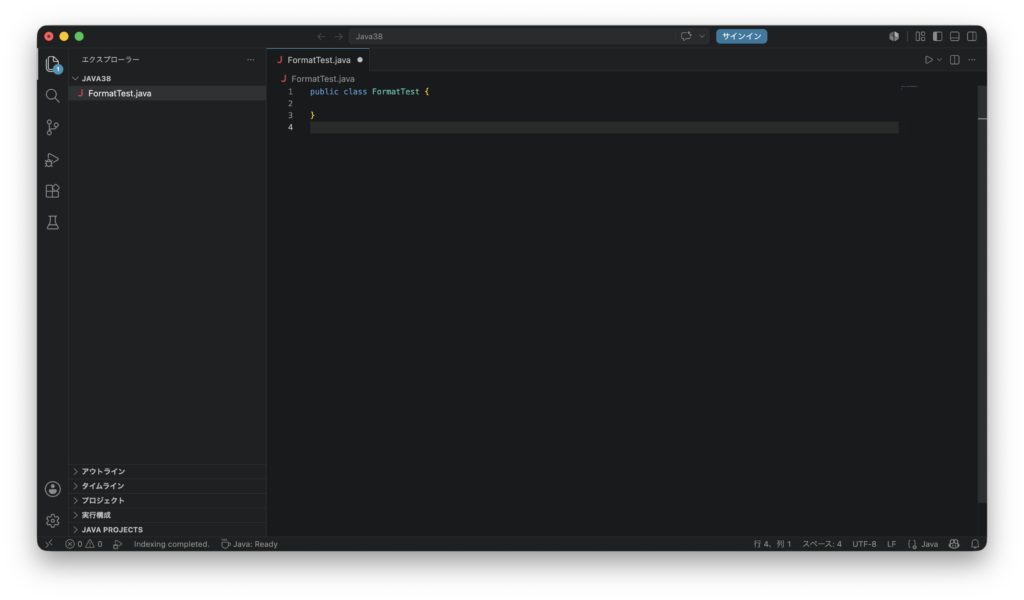
「Java38」フォルダに FormatTest.java という名前でファイルを作成します
コード入力
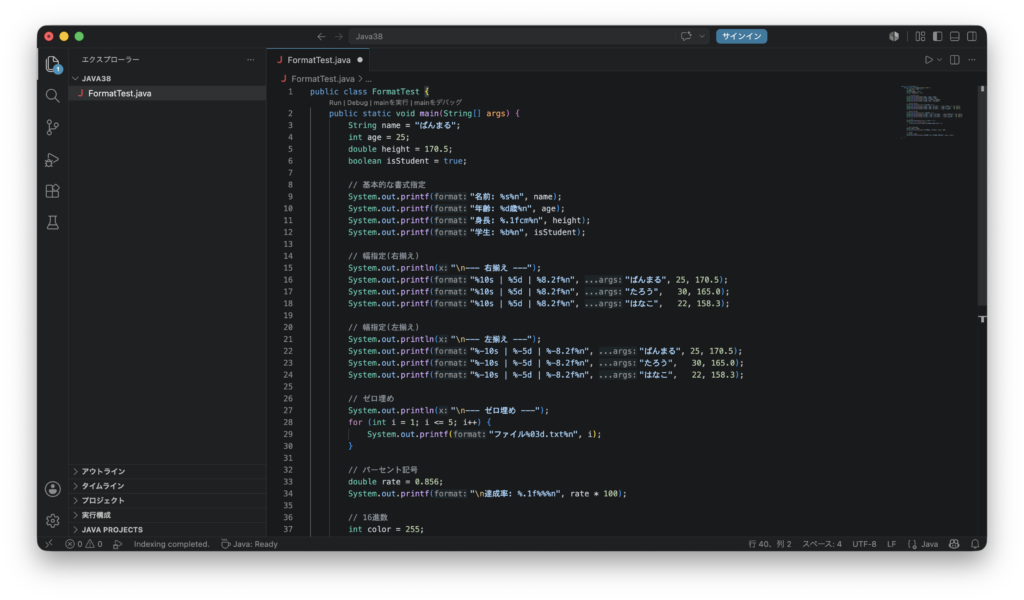
以下のコードを入力します。
public class FormatTest {
    public static void main(String[] args) {
        String name = "ぱんまる";
        int age = 25;
        double height = 170.5;
        boolean isStudent = true;

        // 基本的な書式指定
        System.out.printf("名前: %s%n", name);
        System.out.printf("年齢: %d歳%n", age);
        System.out.printf("身長: %.1fcm%n", height);
        System.out.printf("学生: %b%n", isStudent);

        // 幅指定(右揃え)
        System.out.println("\n--- 右揃え ---");
        System.out.printf("%10s | %5d | %8.2f%n", "ぱんまる", 25, 170.5);
        System.out.printf("%10s | %5d | %8.2f%n", "たろう",   30, 165.0);
        System.out.printf("%10s | %5d | %8.2f%n", "はなこ",   22, 158.3);

        // 幅指定(左揃え)
        System.out.println("\n--- 左揃え ---");
        System.out.printf("%-10s | %-5d | %-8.2f%n", "ぱんまる", 25, 170.5);
        System.out.printf("%-10s | %-5d | %-8.2f%n", "たろう",   30, 165.0);
        System.out.printf("%-10s | %-5d | %-8.2f%n", "はなこ",   22, 158.3);

        // ゼロ埋め
        System.out.println("\n--- ゼロ埋め ---");
        for (int i = 1; i <= 5; i++) {
            System.out.printf("ファイル%03d.txt%n", i);
        }

        // パーセント記号
        double rate = 0.856;
        System.out.printf("\n達成率: %.1f%%%n", rate * 100);

        // 16進数
        int color = 255;
        System.out.printf("10進数: %d → 16進数: #%02X%n", color, color);
    }
}
コンパイル
javac FormatTest.java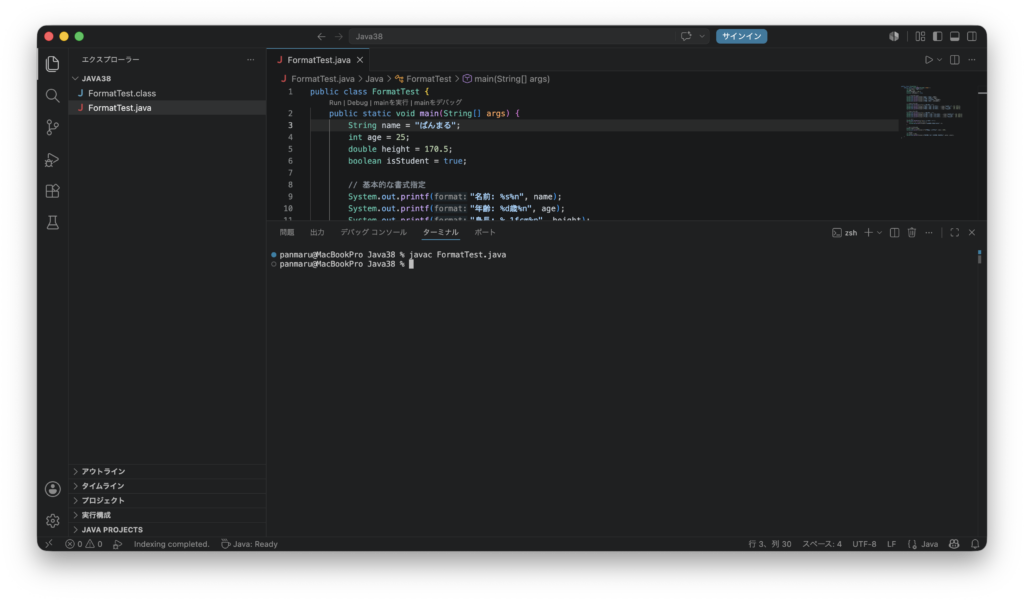
実行
java FormatTest実行結果は次のようになります。
名前: ぱんまる
年齢: 25歳
身長: 170.5cm
学生: true

--- 右揃え ---
      ぱんまる |    25 |   170.50
       たろう |    30 |   165.00
       はなこ |    22 |   158.30

--- 左揃え ---
ぱんまる       | 25    | 170.50
たろう        | 30    | 165.00
はなこ        | 22    | 158.30

--- ゼロ埋め ---
ファイル001.txt
ファイル002.txt
ファイル003.txt
ファイル004.txt
ファイル005.txt

達成率: 85.6%

10進数: 255 → 16進数: #FF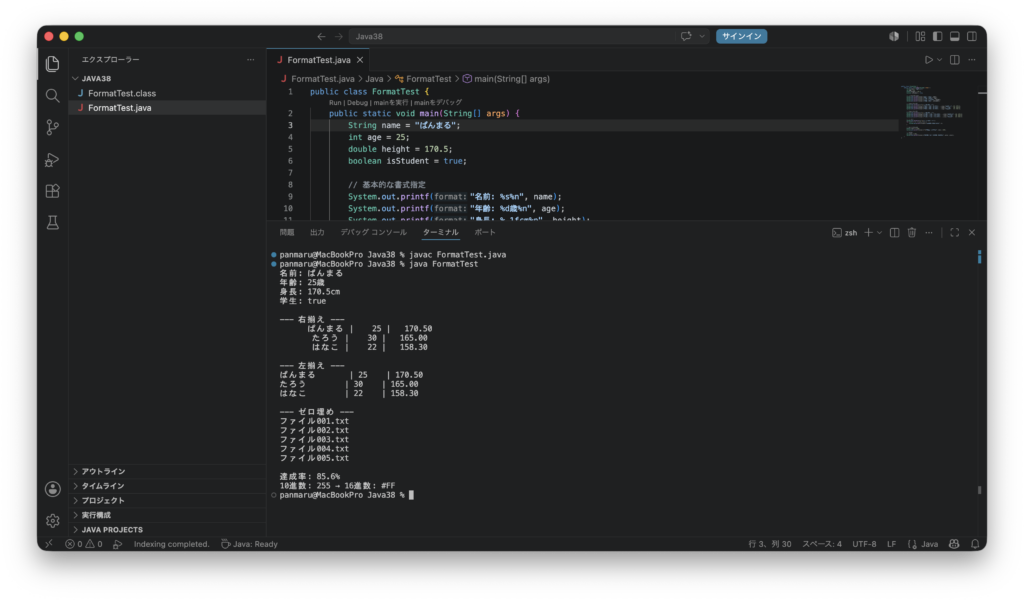
サンプルコード(実用的な活用例)
ファイル作成
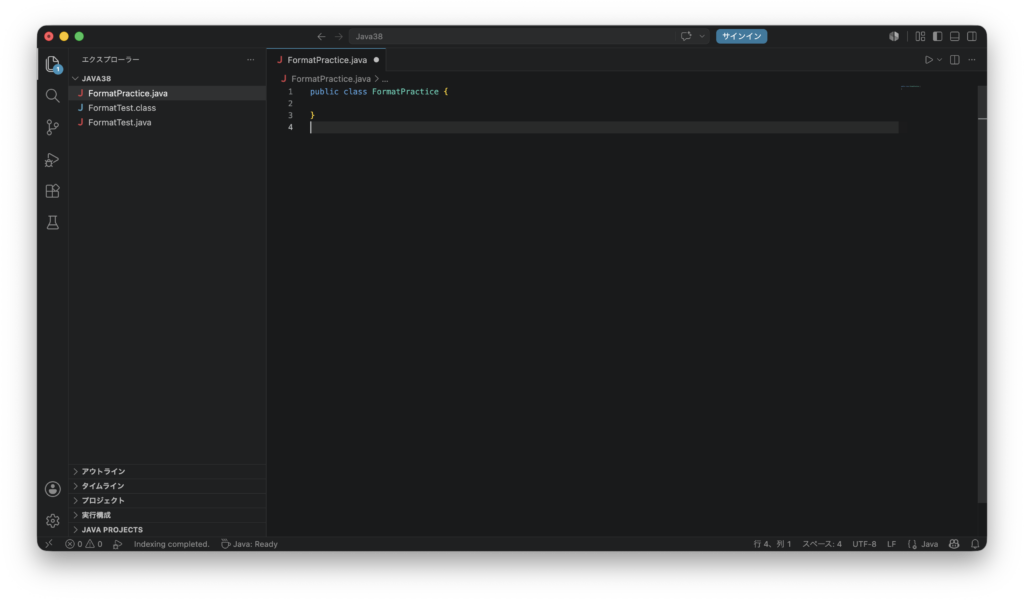
「Java38」フォルダに FormatPractice.java という名前でファイルを作成します
コード入力
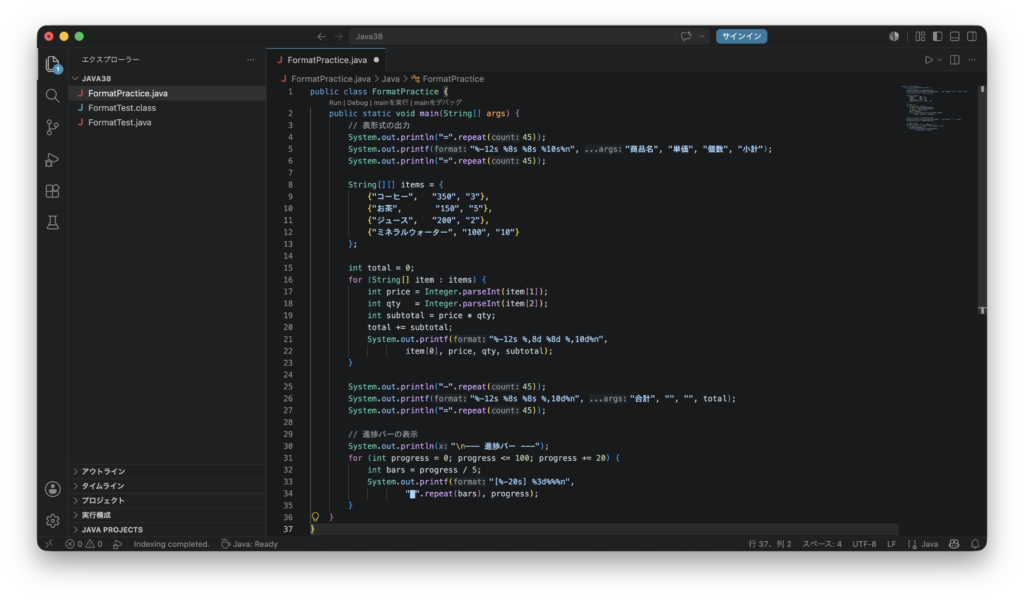
以下のコードを入力します。
public class FormatPractice {
    public static void main(String[] args) {
        // 表形式の出力
        System.out.println("=".repeat(45));
        System.out.printf("%-12s %8s %8s %10s%n", "商品名", "単価", "個数", "小計");
        System.out.println("=".repeat(45));

        String[][] items = {
            {"コーヒー",   "350", "3"},
            {"お茶",       "150", "5"},
            {"ジュース",   "200", "2"},
            {"ミネラルウォーター", "100", "10"}
        };

        int total = 0;
        for (String[] item : items) {
            int price = Integer.parseInt(item[1]);
            int qty   = Integer.parseInt(item[2]);
            int subtotal = price * qty;
            total += subtotal;
            System.out.printf("%-12s %,8d %8d %,10d%n",
                    item[0], price, qty, subtotal);
        }

        System.out.println("-".repeat(45));
        System.out.printf("%-12s %8s %8s %,10d%n", "合計", "", "", total);
        System.out.println("=".repeat(45));

        // 進捗バーの表示
        System.out.println("\n--- 進捗バー ---");
        for (int progress = 0; progress <= 100; progress += 20) {
            int bars = progress / 5;
            System.out.printf("[%-20s] %3d%%%n",
                    "█".repeat(bars), progress);
        }
    }
}
コンパイル
javac FormatPractice.java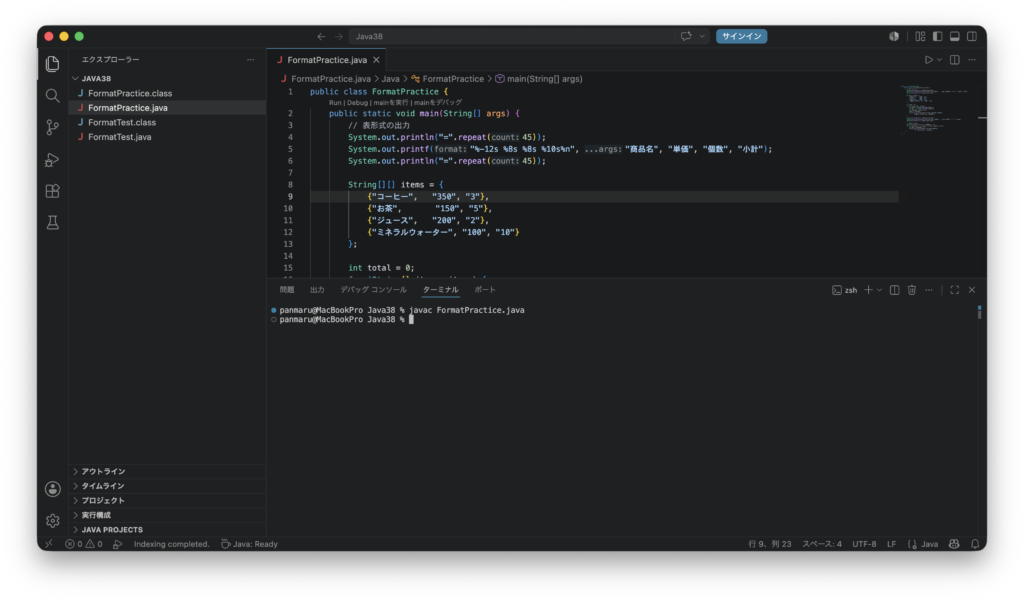
実行
java FormatPractice実行結果は次のようになります。
=============================================
商品名                単価       個数         小計
=============================================
コーヒー              350        3      1,050
お茶                150        5        750
ジュース              200        2        400
ミネラルウォーター         100       10      1,000
---------------------------------------------
合計                                  3,200
=============================================

--- 進捗バー ---
[                    ]   0%
[████                ]  20%
[████████            ]  40%
[████████████        ]  60%
[████████████████    ]  80%
[████████████████████] 100%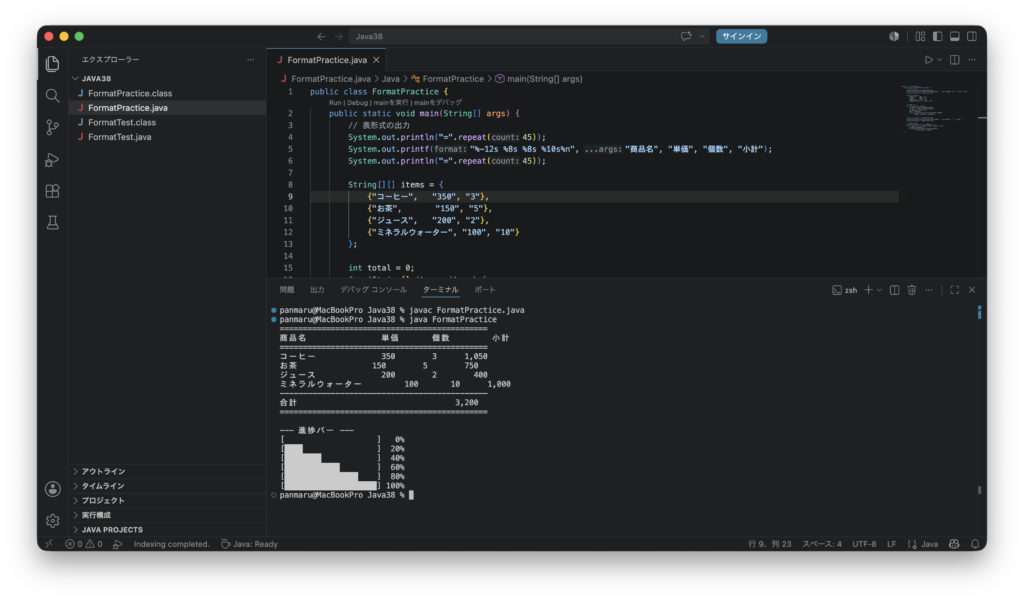
コードの解説
%10s は右揃えで10文字幅、%-10s は左揃えで10文字幅です。表形式の出力では列ごとに幅を揃えることで、数字や文字がきれいに並びます。
%05d はゼロ埋めで5桁表示です。ファイル名の連番など、桁数を揃えたい場面でよく使われます。
%% で % 記号そのものを出力できます。%d%% とすることで 85% のように表示できます。
%,d のようにカンマ(,)フラグを使うと、数値を3桁区切りのカンマ付きで表示できます。金額などを読みやすく表示するのに便利です。
"=".repeat(45) は文字列を指定回数繰り返すメソッドで、Java 11から使えます。区切り線をシンプルに作れます。
String.format() は printf() と同じ書式指定が使えますが、直接出力せずに文字列として返します。変数に代入してあとから使いたい場合や、以前学んだText Blocksと組み合わせる場合は String.format() または .formatted() が便利です。
まとめ
String.format() と printf() を使うことで、桁揃え・ゼロ埋め・小数点制御・カンマ区切りなど、細かい書式指定を簡単に行えます。%s で文字列、%d で整数、%.2f で小数点2桁、%05d でゼロ埋め5桁、%,d でカンマ区切りという基本の書式指定子を覚えておきましょう。表形式の出力や進捗バーなど、ターミナル上で見やすい出力を作る際に特に力を発揮します。
2026/07/29(水) ぱんまる
コメント